GetGPT
FAQ2026-10-19
Exam Generator FAQ: Turn Your Study Materials into Practice Questions
Common questions about GetGPT's Exam Generator: supported file types, how generation works, editing and export, and tips for better questions.
Explore tips and practical guides for building AI apps
Common questions about GetGPT's Exam Generator: supported file types, how generation works, editing and export, and tips for better questions.

Looking for a no-code way to build and share AI apps? We compare GetGPT with Poe and MindStudio on creation, marketplace reach, pricing, and monetization.
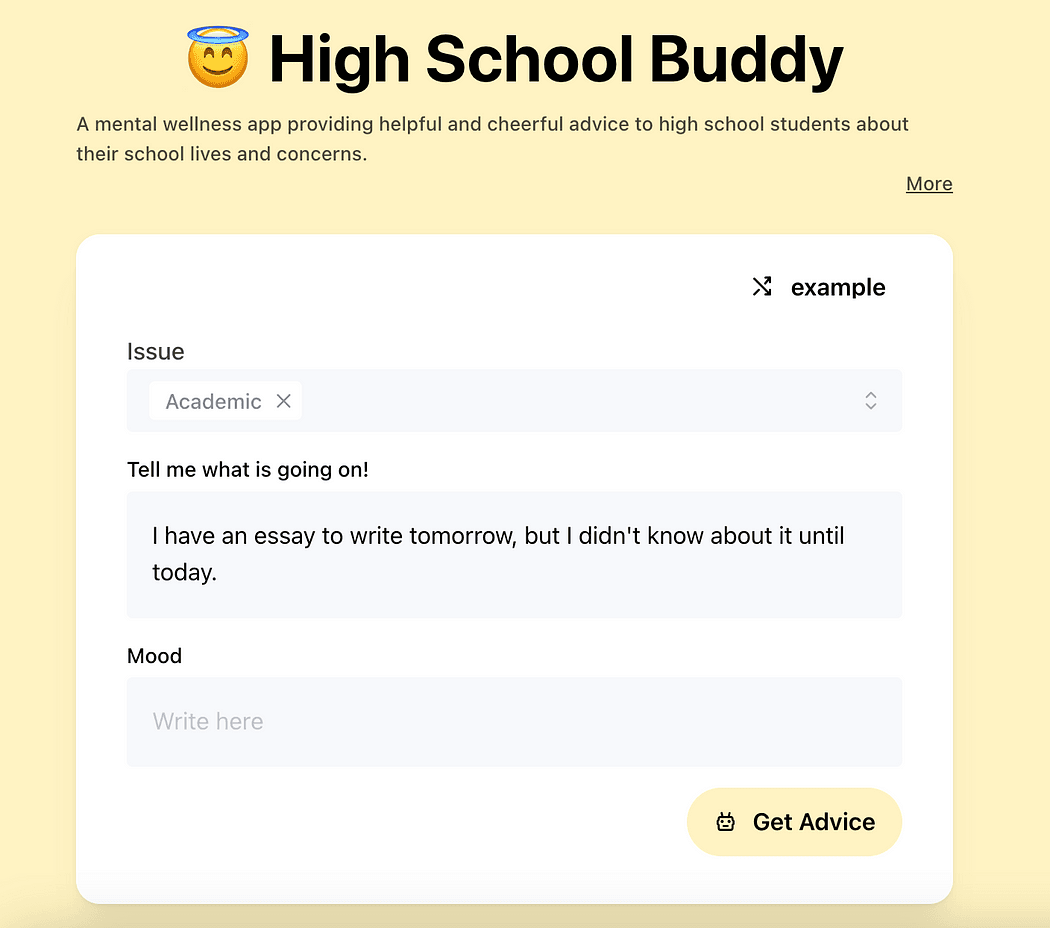
Chat apps can be tools for socializing, learning, and creativity. A look at teen-friendly AI chat apps on GetGPT and how to build your own.
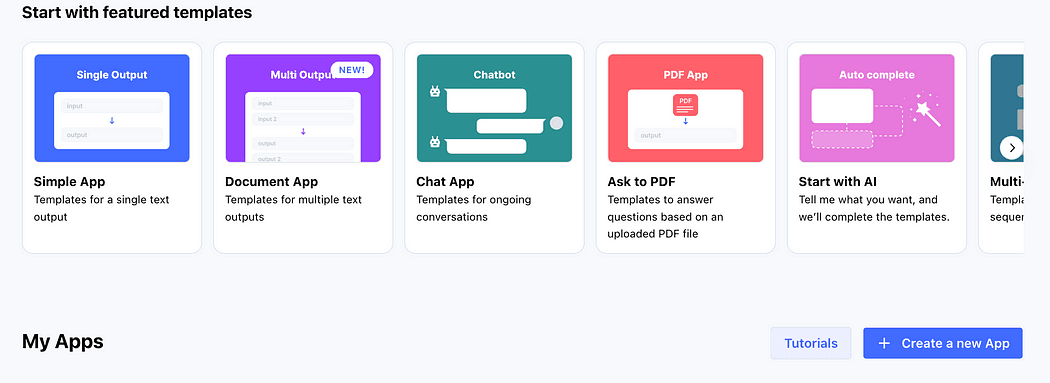
GetGPT works like ChatGPT for one-off questions, but also lets you build custom AI apps without code. This guide walks through creating your first app.
Effective July 12, 2024, GetGPT is discontinuing all voice chat apps. Here's what changes and why.

Meet Marketing All-in-one Tool, a GetGPT app that handles common marketing tasks in one place.
Meet Gardening Guide, a GPT-powered app with planting tips and advice for beginners and experienced gardeners alike.
Meet Domain Name Maker, an AI app that generates creative domain names for your website, business, or blog in seconds.
AI prompt marketplaces let you buy and sell prompts. Here are four platforms worth knowing if you want to sell your prompts.
App to Watch This Week: Write Ebooks With 1 Click — Any Language
GetGPT and GPTs both let you build and share AI apps without code. Here's how the two platforms compare.
![[GetGPT Tips] #9. Create Your Own AI Apps](/_next/image?url=https%3A%2F%2Fmiro.medium.com%2Fv2%2Fresize%3Afit%3A1200%2F1*16To0vwQZnYUfR9BRZNzZQ.png&w=3840&q=75)
Ready to build your own app? Pick a template, write a title and prompt, and publish your first GetGPT app.
![[GetGPT Tips] #8. Fine-Tune Your Results with the Editor!](/_next/image?url=https%3A%2F%2Fmiro.medium.com%2Fv2%2Fresize%3Afit%3A1200%2F1*C6EtYTHOOy0t4wwEnKst6w.png&w=3840&q=75)
Use Edit Result to tweak AI-generated text directly, so the final output says exactly what you want.
![[GetGPT Tips] #7. Stay in the Loop by Following Creators!](/_next/image?url=https%3A%2F%2Fmiro.medium.com%2Fv2%2Fresize%3Afit%3A1200%2F1*uJMTaagZB3n1EQly-2JaMA.png&w=3840&q=75)
Follow your favorite creators on GetGPT to keep up with the new apps they publish.
![[GetGPT Tips] #6. Keep Your Favorite Apps Handy with Collections!](/_next/image?url=https%3A%2F%2Fmiro.medium.com%2Fv2%2Fresize%3Afit%3A1200%2F1*CLg4q8rxboXMglUemaVo5w.png&w=3840&q=75)
Tired of searching for your favorite apps every time you visit GetGPT? There’s a solution — Bookmark!
![[GetGPT Tips] #5. Never Miss a Beat with Your History!](/_next/image?url=https%3A%2F%2Fmiro.medium.com%2Fv2%2Fresize%3Afit%3A1200%2F1*dEISdcmUSbpSGhdYp3JoyQ.png&w=3840&q=75)
GetGPT keeps a history of your past inputs and outputs, so you can find, copy, and reuse earlier results anytime.
![[GetGPT Tips] #4. Sharing Made Simple with Links!](/_next/image?url=https%3A%2F%2Fmiro.medium.com%2Fv2%2Fresize%3Afit%3A1200%2F1*w8xvhGFs3vRnntHIsW1d_w.png&w=3840&q=75)
Found a great result on GetGPT? Share it with a link. Here's how sharing works for chat apps and simple apps.
![[GetGPT Tips] #3. Share Your App Results To Comment!](/_next/image?url=https%3A%2F%2Fmiro.medium.com%2Fv2%2Fresize%3Afit%3A1200%2F1*FCH8qMbFjdn3-ll_nAp1OA.png&w=3840&q=75)
Share an app's input and output with one click using Share to Comment, and see how others are using the same app.
GetGPT, Jasper, and Copy.ai all generate content with AI, but differ in focus, pricing, and sharing. Here's how they compare.
![[GetGPT Tips] #2. Quick Guide: Finding Apps on GetGPT!](/_next/image?url=https%3A%2F%2Fmiro.medium.com%2Fv2%2Fresize%3Afit%3A1200%2F1*hkLSk5jHelFcVNmLliFfLA.png&w=3840&q=75)
Two ways to find apps on GetGPT: type a query and hit Enter, or use auto-complete search to see matching apps as you type.
![[GetGPT Tips] #1. How to set up your profile on GetGPT](/_next/image?url=https%3A%2F%2Fmiro.medium.com%2Fv2%2Fresize%3Afit%3A1200%2F1*JTfAO_1fYBe5L8qHf9eW5A.png&w=3840&q=75)
Welcome to the first tip in our [GetGPT Tips] series! Today, I’ll show you how to create a profile on GetGPT.
I believe my app is good, but the responses from GPT are a bit strange. I’m unsure of the best way to communicate my intentions to GPT.
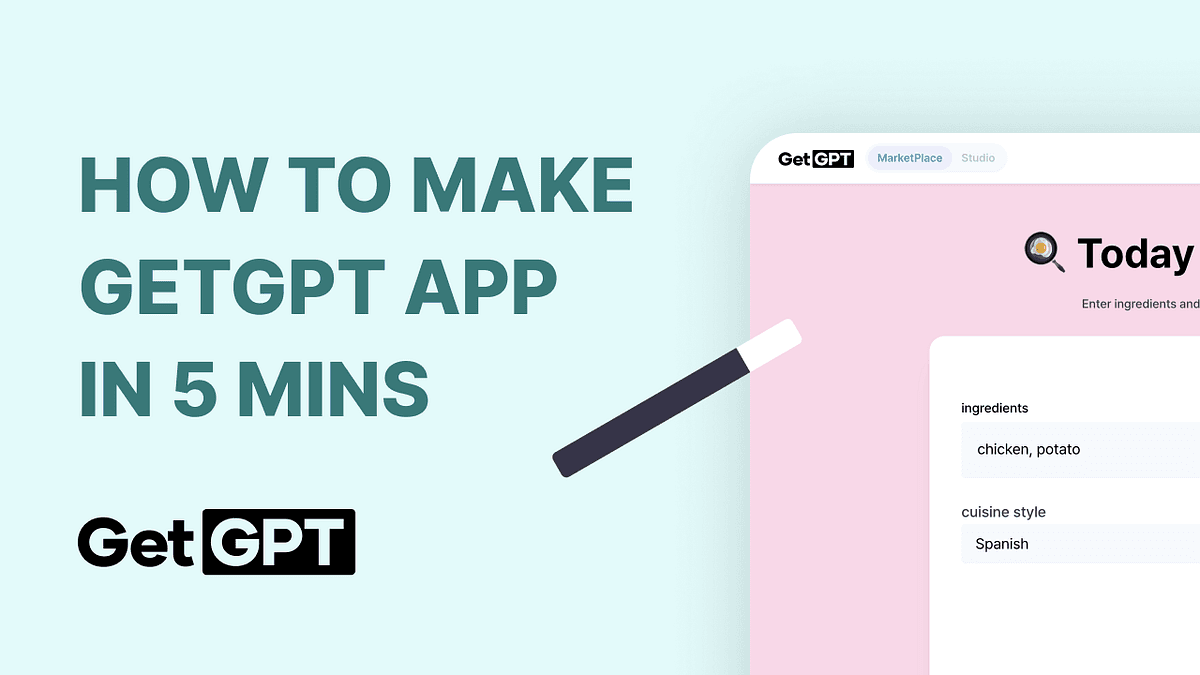
GetGPT, the easiest AI app development tool just for you